Quick Trim
Available in: Pro, Architectural
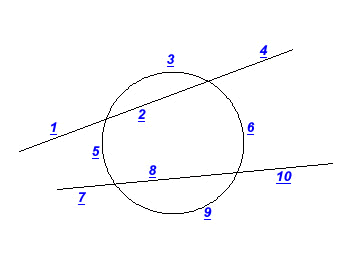
The Quick Trim command  removes a piece of an existing entity, the portion removed is based on the position on the entity clicked and the nearest intersection(s) with other geometry.
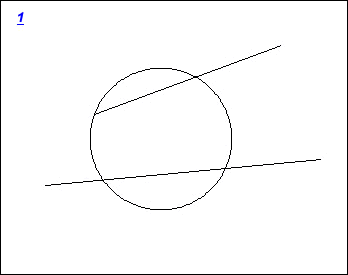
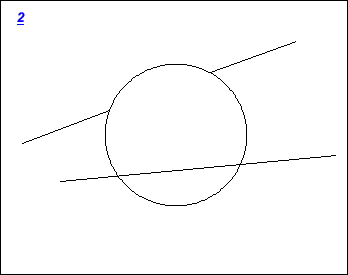
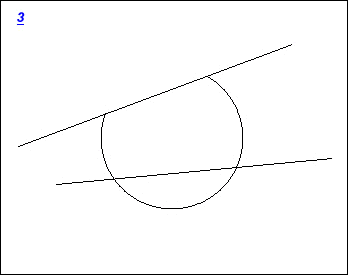
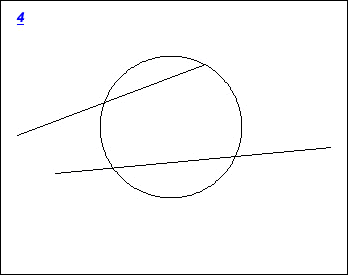
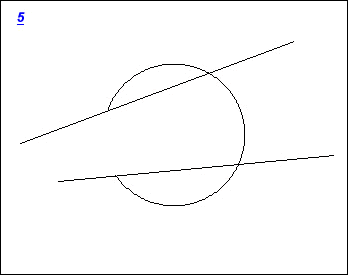
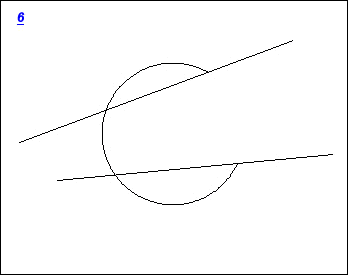
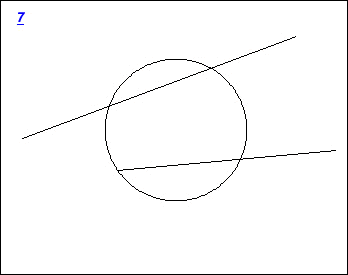
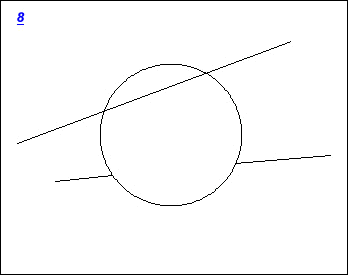
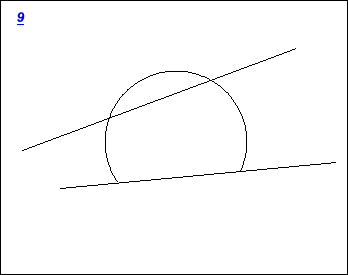
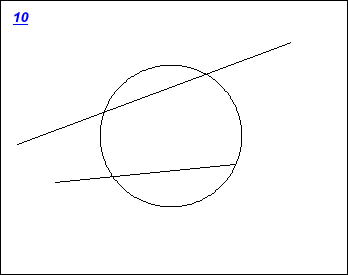
For example the picture below shows 2 lines and a circle. The numbers at various positions correspond the lower pictures and what the trim result would be. So for example if the section of line next to '2' was clicked then picture 2 shows what would happen. In short simply point a the piece you want to remove.