I have no Internet Connection
If you cannot activate Draft it due to no internet connection, follow the steps below to request an activation code from another device.

I have no Internet Connection
If you attempt to activate Draft it without an internet connection you will receive an error message similar to the one shown below.
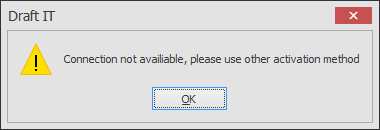
Click OK in the message box and then click on the ‘I have no Internet connection’ link on the activation form, highlighted in the image below.
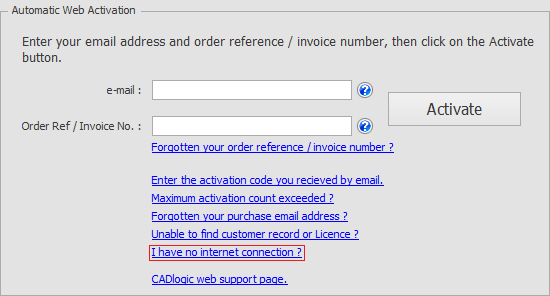
A form will appear displaying a web address and a request code. Make a note of the web address, the request code, and your order reference number.
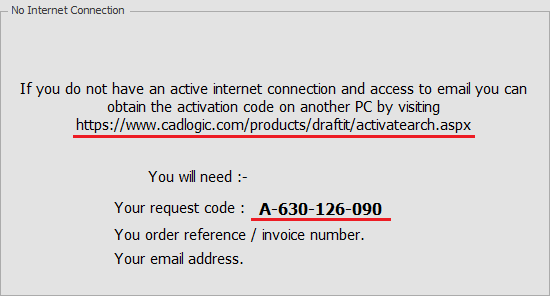
From another internet-connected PC, visit the web address shown in the form and complete the request. The required fields are: Name, a valid email address, Country, Request Code, and Order Reference.
Note: We process the emails manually, we cross reference the data to validate the activation request. This happens normally during UK office hours, please be patient and send your request once only. Multiple requests only slow down the system.